Updates
Your apps, accounts and settings stay. No wipe is needed.
Over the air
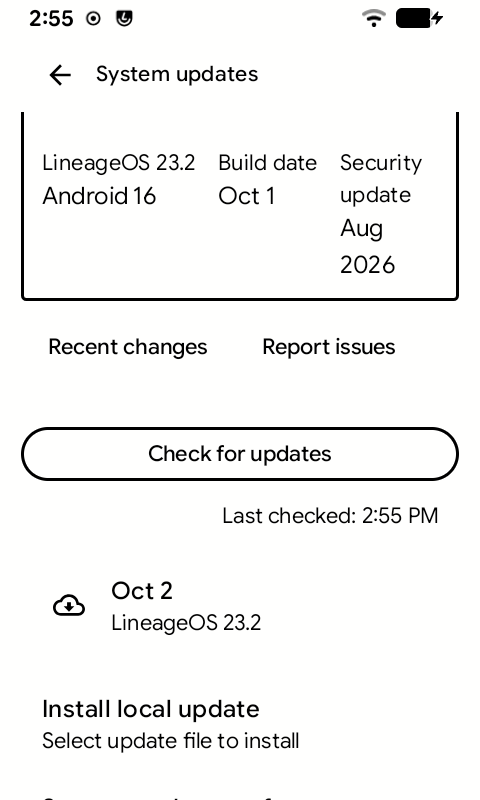
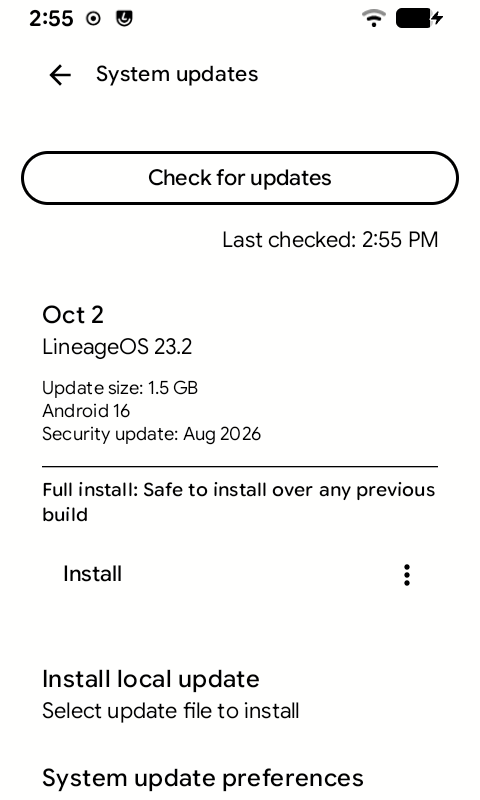
- Settings → System → System updates → Check for updates. A new update shows up under it, named by its date.
- Tap the update, then Install.
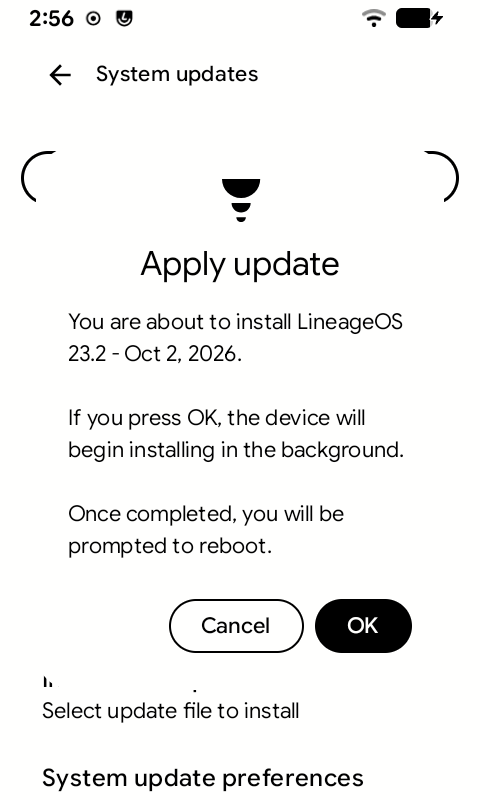
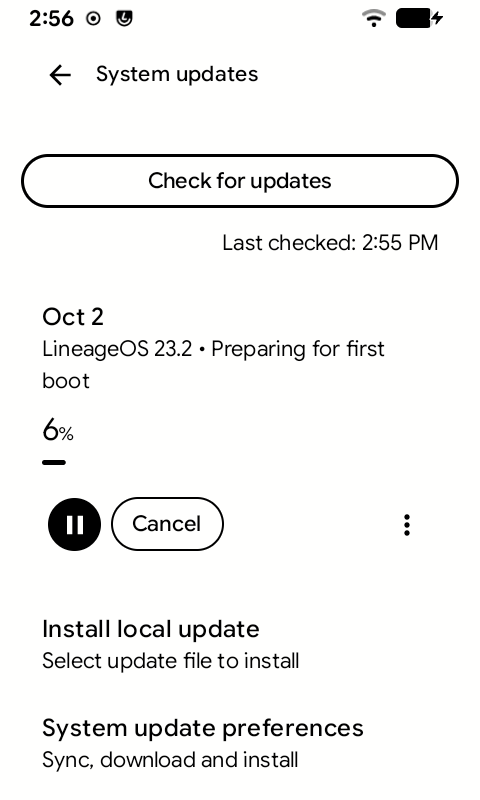
- Tap OK. It installs in the background: you can keep using the phone.
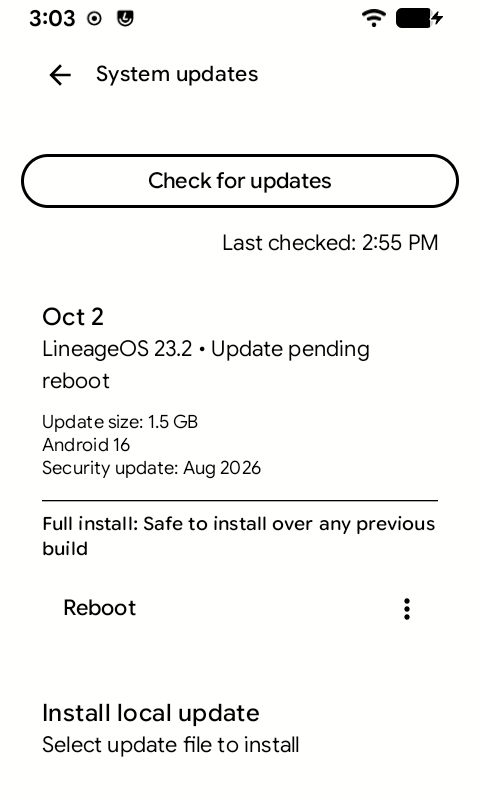
- When it says Update pending reboot, tap Reboot.
- The phone needs at least 30% battery, or 20% while charging.
- It picks the right package for your phone and edition by itself.

By hand, from the recovery
The same update package as the first install, installed from the recovery. Take the one for your phone and edition:
| GApps | Vanilla | |
|---|---|---|
| Global | KompaktOS-1.0-Global-GApps.zip | KompaktOS-1.0-Global-Vanilla.zip |
| North American | KompaktOS-1.0-USA-GApps.zip | KompaktOS-1.0-USA-Vanilla.zip |
Open the recovery
adb reboot recovery
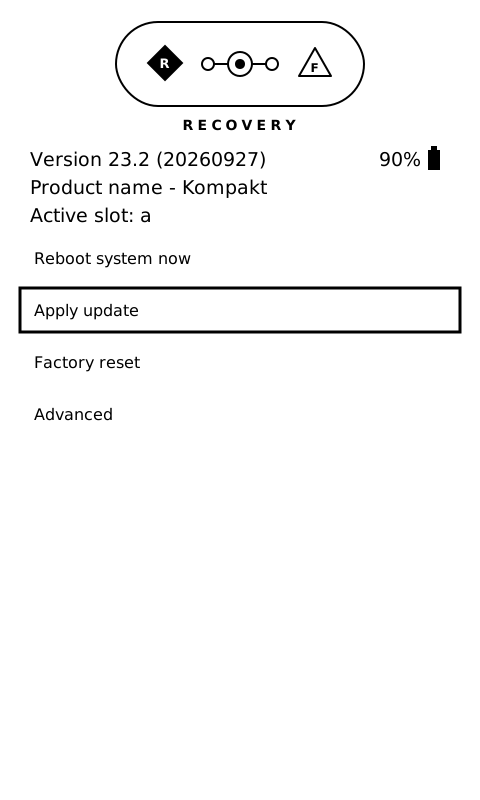
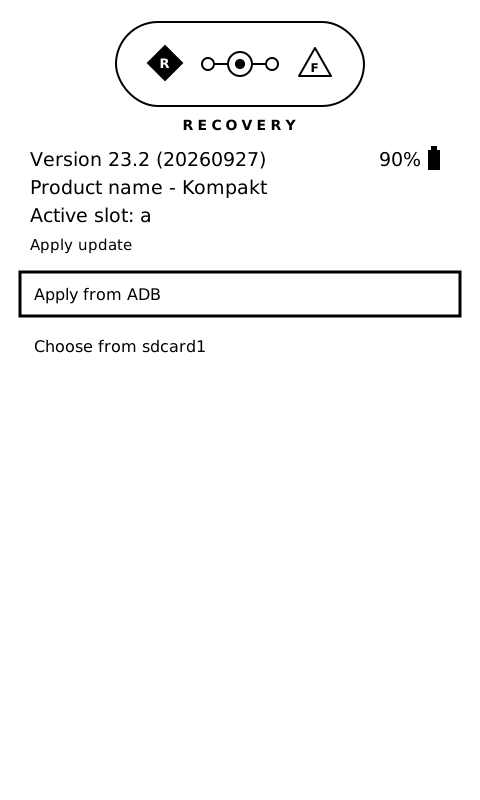
LineageOS recovery works both by touch and with the buttons: Volume-Up and Volume-Down to move, Power to select.
Over USB
-
Apply update → Apply from ADB.
-
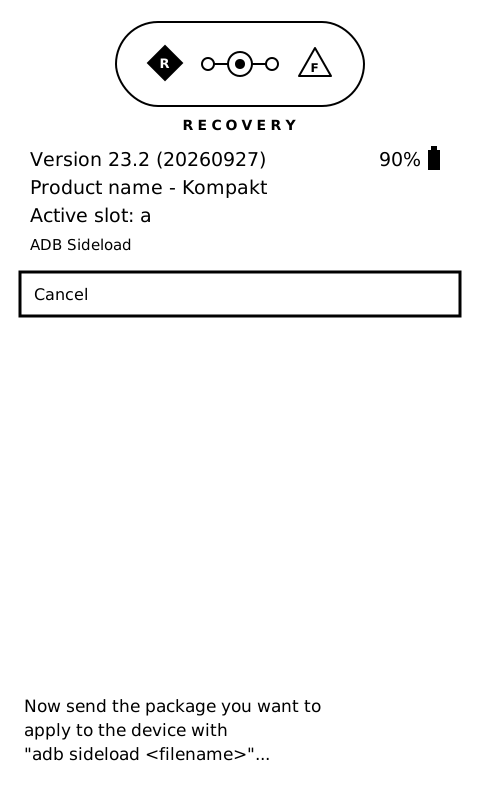
On the computer:
adb sideload /path/to/KompaktOS-1.0-Global-GApps.zip
The computer's counter stops at about 47% and stays there. That is normal: the phone has read the whole file and installs it from memory. Watch the bar on the phone instead.
From the SD card
- Copy the update package to the SD card.
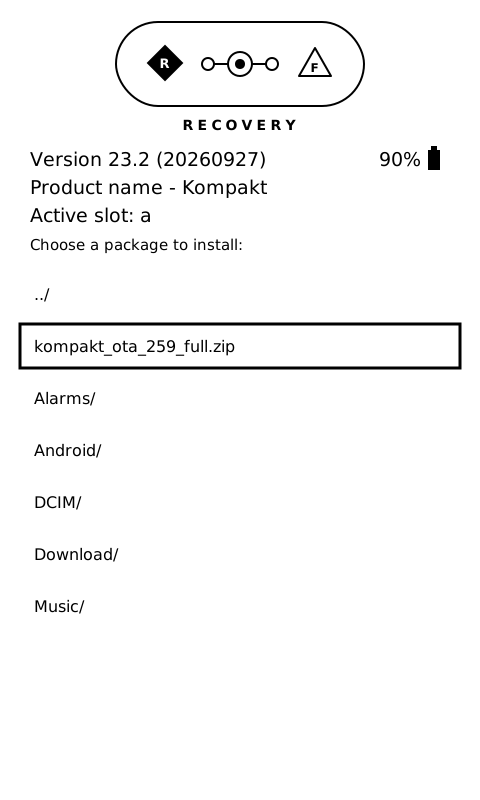
- Apply update → Choose from sdcard1, and pick the file.
While it installs
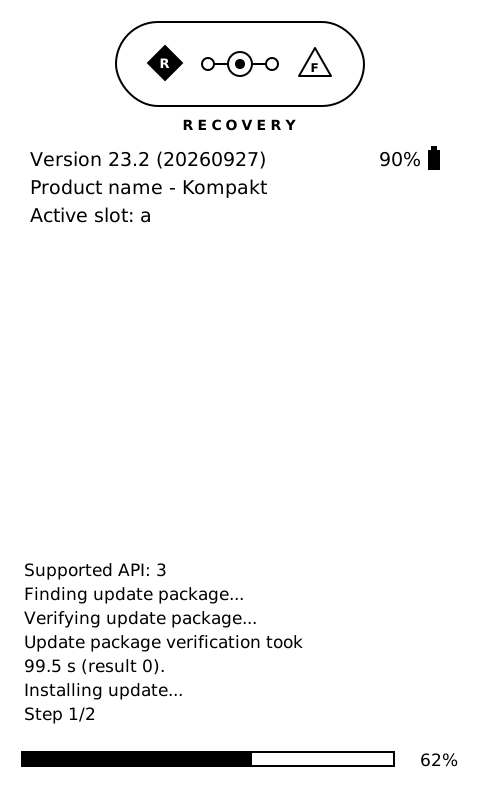
It checks the package first, then installs it, with a bar and a percentage at the bottom. It takes about 7 minutes. Do not interrupt it: the phone is not usable until the install finishes.
When it finishes
It asks whether to reboot to recovery to install more packages. Choose No, then Reboot system now.
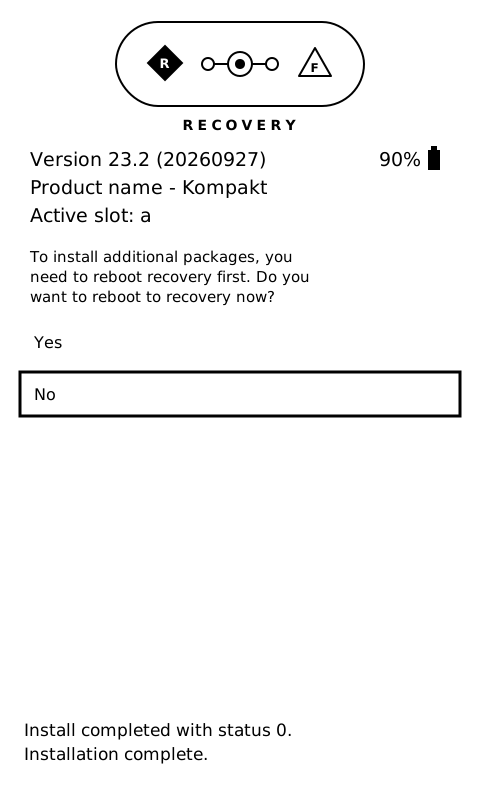
The phone now runs from the other slot, A or B. That is normal: see Slots A and B.
The recovery's other menus
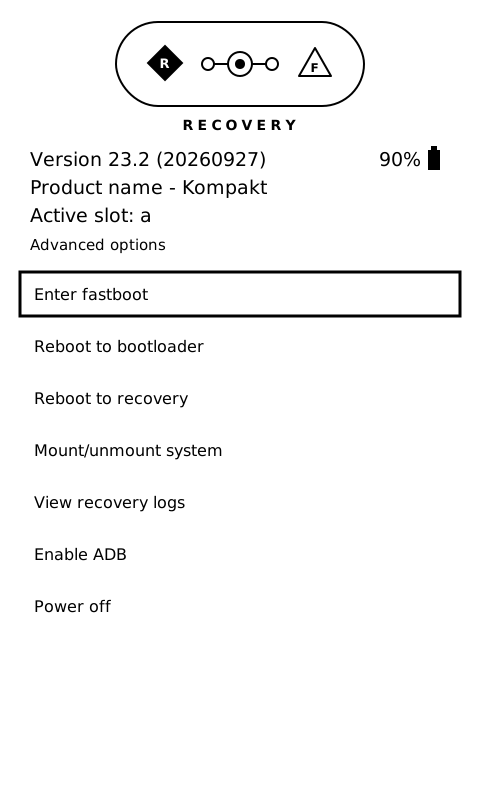
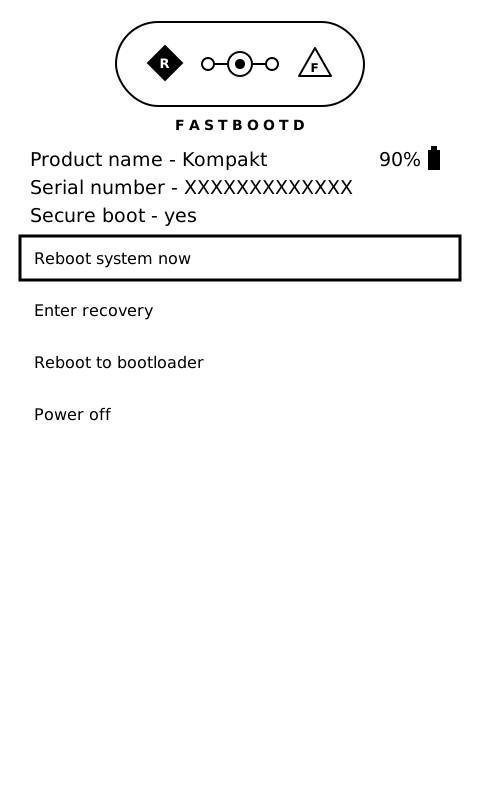
Advanced has fastbootd (Enter fastboot), the bootloader, the recovery log and power off.