Going back
You put MuditaOS back with Mudita's official update package, a file named like
Kompakt-1.6.0.signed.user-ota.zip, installed from the phone's recovery.
Steps
-
Restart into the bootloader.
- Command
- Buttons
With the phone connected by USB:
adb reboot bootloaderHold Power and Volume-Up and pick Fastboot Mode.
-
Put Mudita's recovery back. KompaktOS runs with our LineageOS recovery, and Mudita's package has to go through Mudita's own. The recovery lives in the boot image, so still in the bootloader, flash Mudita's boot image for the MuditaOS version you are installing:
fastboot flash boot /path/to/mudita_boot.img -
Open recovery.
- Command
- Buttons
Still in the bootloader:
fastboot reboot recoveryHold Power and Volume-Up, press Volume-Up until the arrow points at Recovery Mode, then Volume-Down to pick it. The screen is slow here: wait a few seconds after each press.
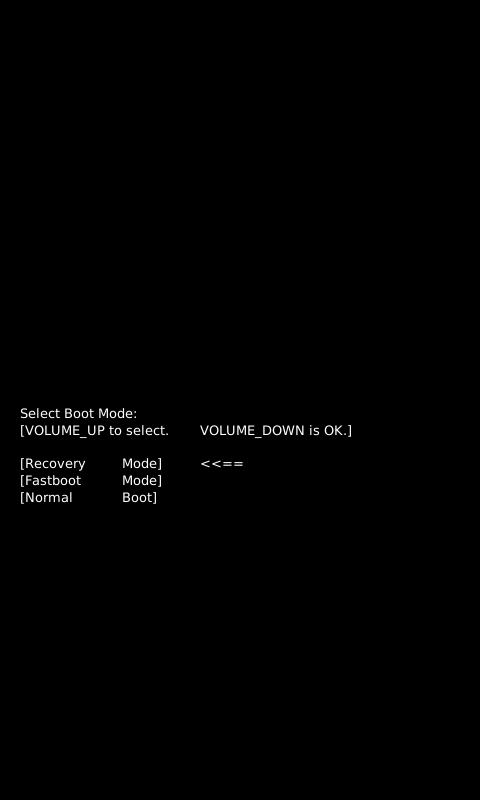
Boot mode menu, Recovery Mode selected. -
Wake the menu. Recovery usually opens on the fallen Android. Hold Power for 2–3 seconds and, still holding it, tap Volume-Up once.
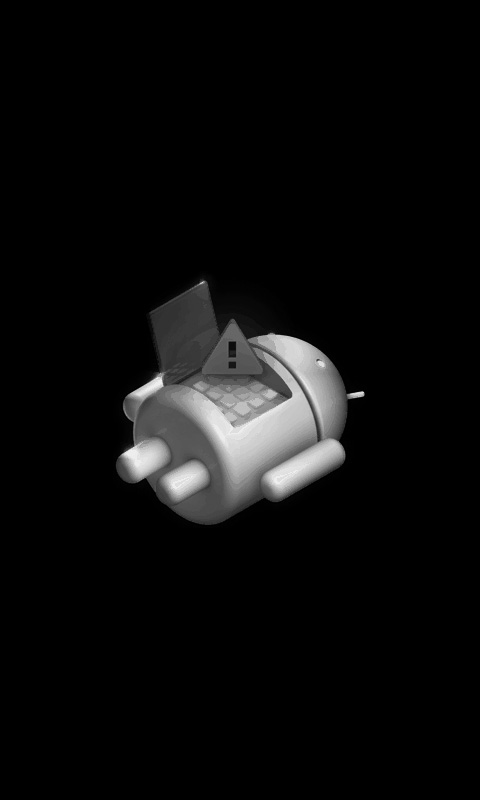
No command. Recovery is waiting. -
Install the package. Volume-Up and Volume-Down move, Power selects.
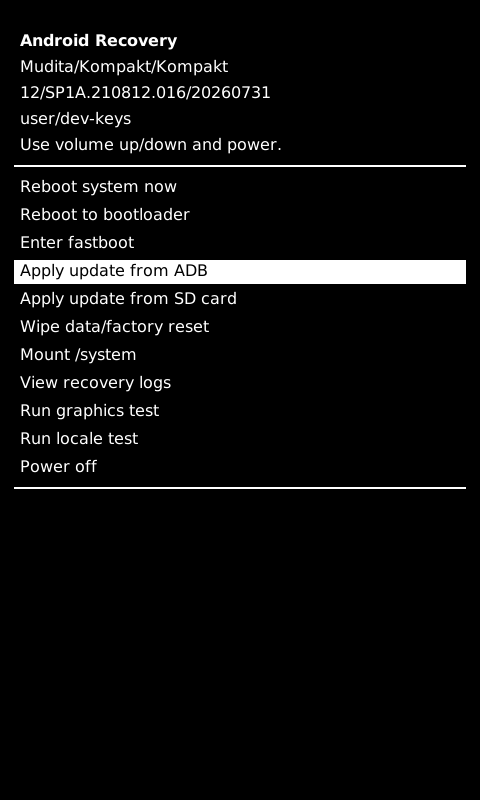
Mudita's recovery menu, Apply update from ADB selected. Choose Apply update from ADB, then on the computer:
adb sideload Kompakt-1.6.0.signed.user-ota.zipDrag the file onto the terminal to paste its path. Or choose Apply update from SD card and pick the package from the card.

Apply update from ADB. Recovery waits for adb sideload. 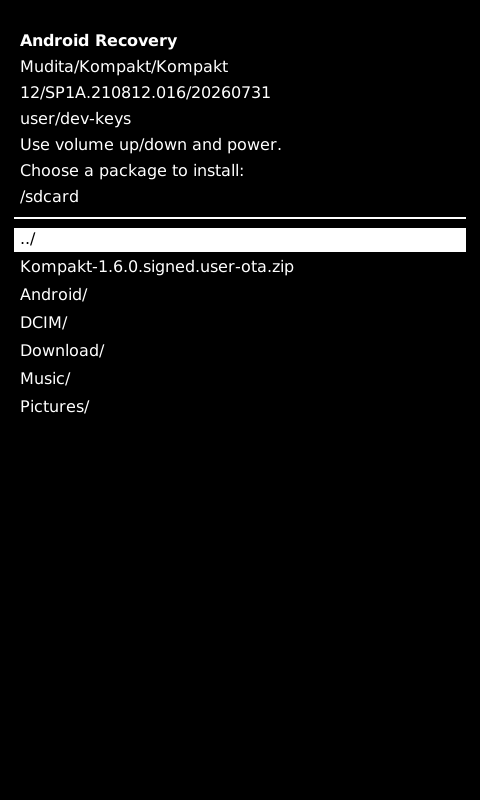
Apply update from SD card. Pick the package from the card. -
Restart. When the install finishes, choose Reboot system now. MuditaOS asks for a factory reset first: do it, and MuditaOS starts.
If recovery does not open in step 3
Flash Mudita's boot image for your MuditaOS version again from the bootloader, then go back to step 3:
fastboot flash boot boot.img
Coming back to KompaktOS later
Nothing extra: flash KompaktOS as usual.