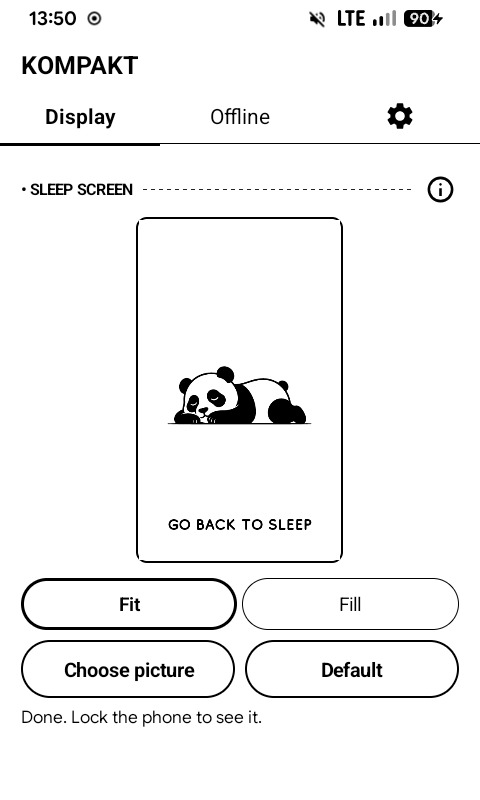
Sleep screen
The picture the screen keeps while the phone sleeps can be your own.
- Kompakt app → Display → Sleep screen picture → Choose picture.
- Pick Fit to show all of it on white, or Fill to fill the screen and crop the edges.
- Lock the phone to see it.
- It stays after a restart.
- Default puts the built-in picture back.
- With the always-on display on, the picture shows for a moment before the clock.