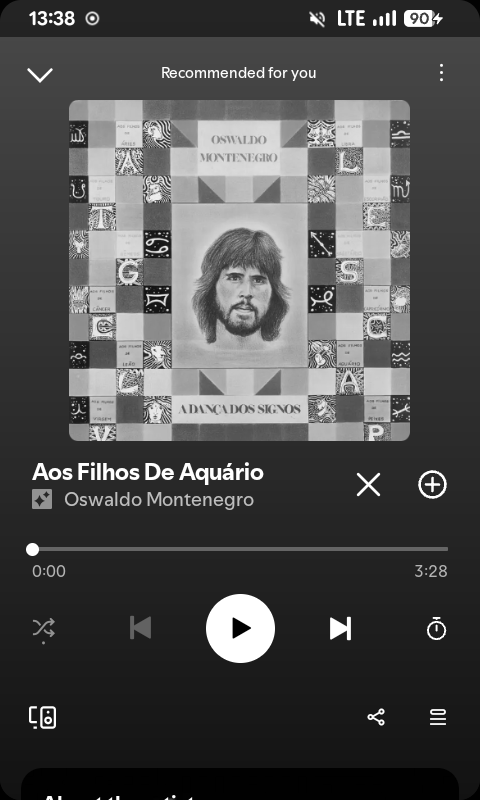
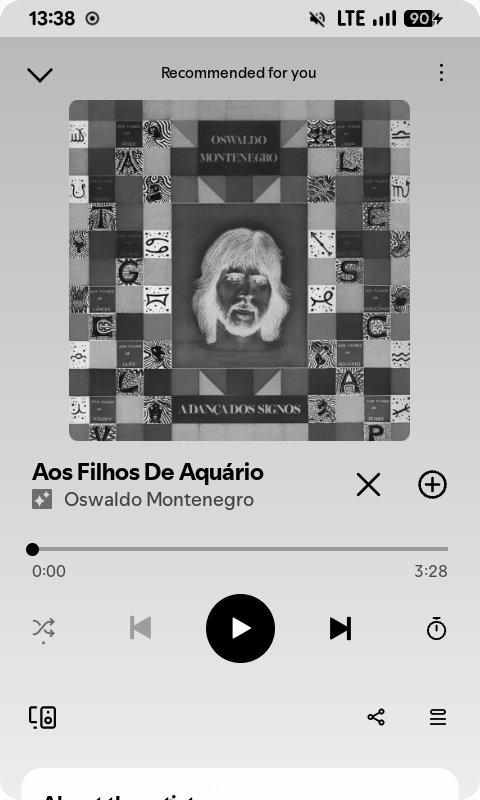
Per-app modes
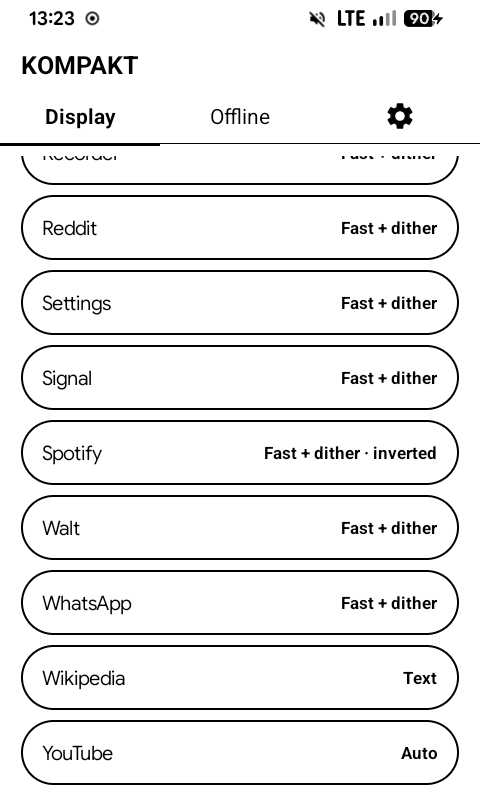
Both are in the Kompakt app, under Display → Per-app e-ink modes.
Per-app e-ink mode
An app gets its own e-ink mode while it is open. When you leave it, the mode set on the Display tab comes back.
- Display → Per-app e-ink modes lists every app with the mode it gets.
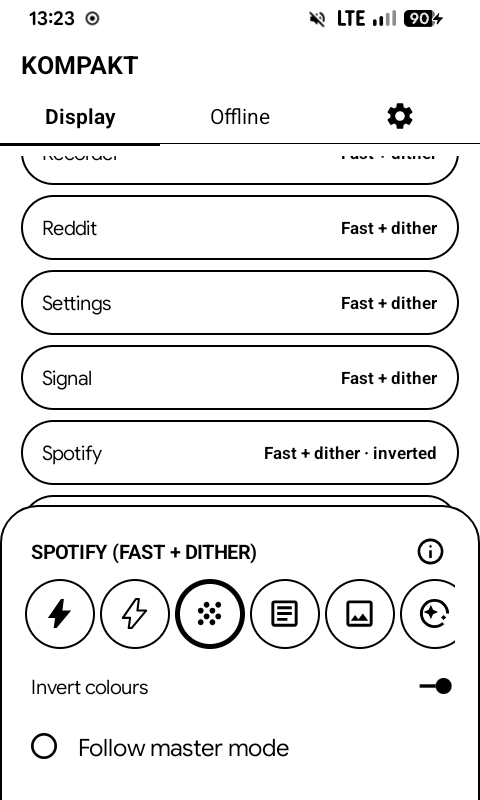
- Tap an app and pick its mode.
- Follow master mode gives it back the Display tab's mode.
For example: Text for a reader, Fast for Signal or WhatsApp.
Per-app invert
- For apps that only come with a dark theme, like Spotify.
- Turns that app light, and only that app.
- Android has no "force light" setting, so inverting is the only way.
Display → Per-app e-ink modes → pick an app → Invert colours.