The offline switch
The switch on the side cuts the phone signal and the microphone itself, in hardware. MuditaOS shows an overlay while it is on; other LineageOS builds showed nothing at all.
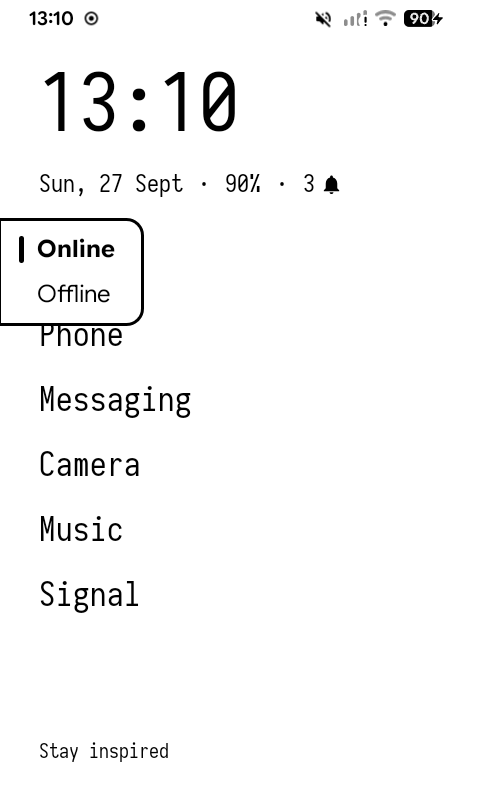
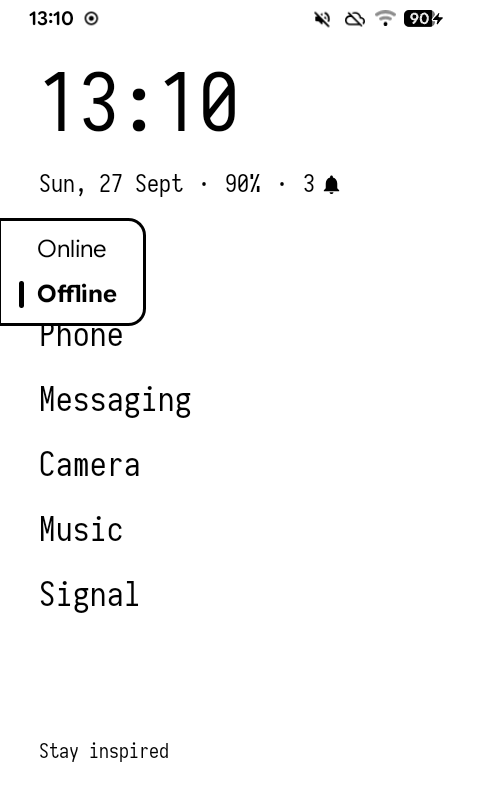
KompaktOS gives it an indicator: flip the switch and a small panel shows which way it now is.
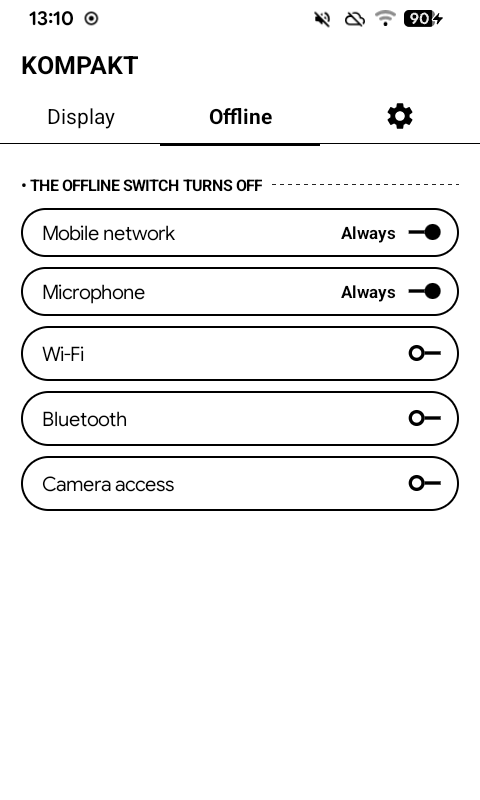
You also choose what else it switches off. Kompakt app → Offline:
| Toggle | |
|---|---|
| Mobile network | Always cut, by the switch itself |
| Microphone | Always cut, by the switch itself |
| Wi-Fi | Your choice |
| Bluetooth | Your choice |
| Camera access | Your choice |
The first two are cut in hardware, so no setting can change them. The rest are up to you — cutting Wi-Fi is right if the switch means "offline", wrong if it means "not listening".
Wi-Fi, Bluetooth and camera access are only switched off when you flip the switch; they are not locked. While offline you can still turn any of them back on yourself, from Quick Settings or Settings, and it stays on.