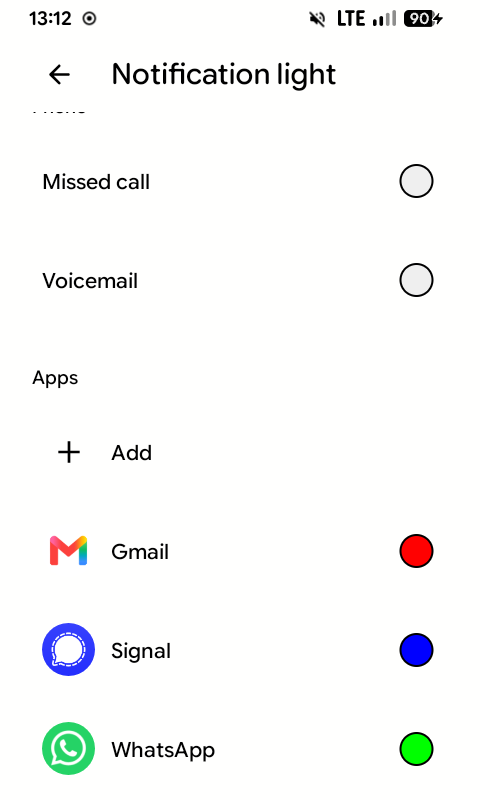
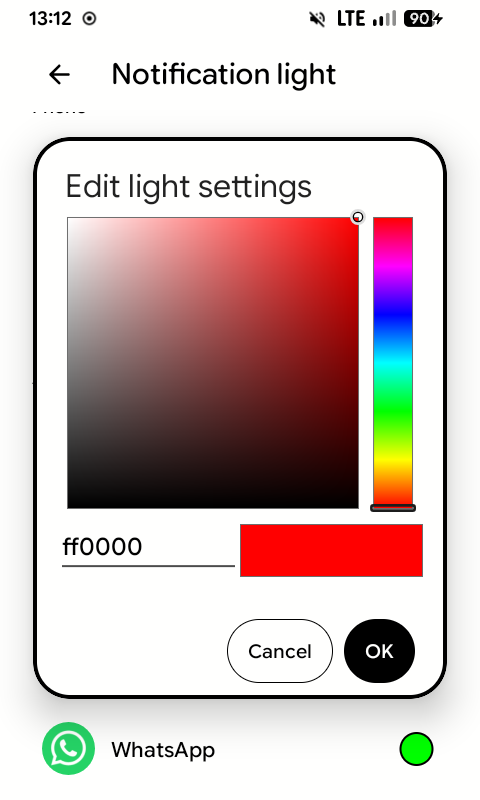
Notification light
The LED works and is on out of the box. Its colour is per app, set from Android's own notification light settings rather than a bespoke screen, so anything that can post a notification can have its own colour.
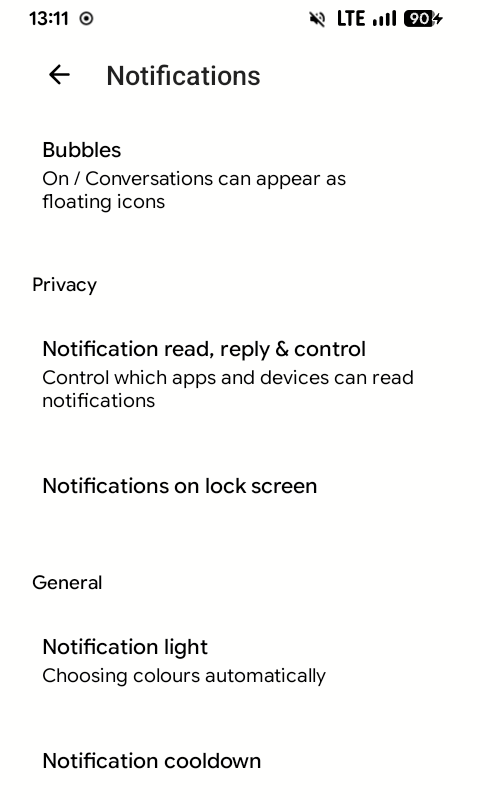
Settings → Notifications → Notification light:
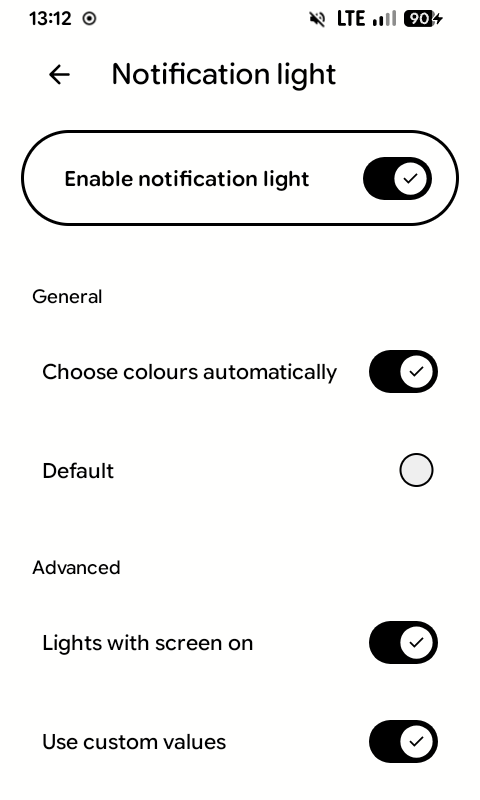
Under Apps, tap Add to give an app its own colour, or tap an app's colour to change it.