Fingerprint reader
Works. The sensor is in the power button on the side, and the interface is told so — otherwise Android draws the unlock prompt in the wrong place.
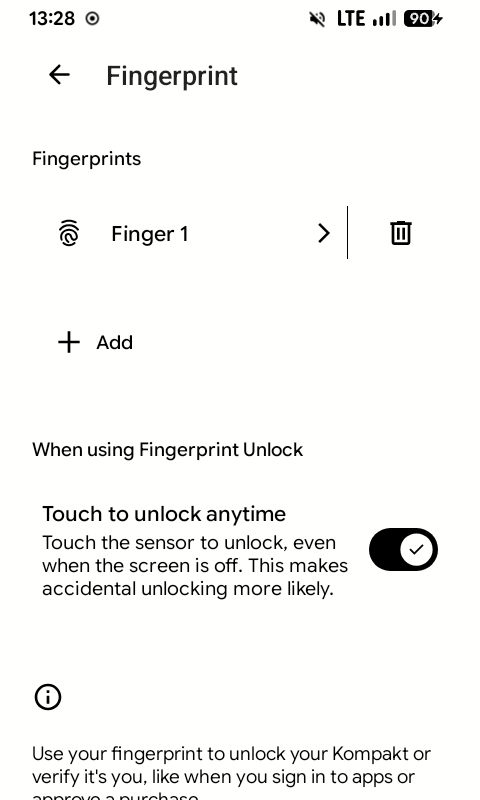
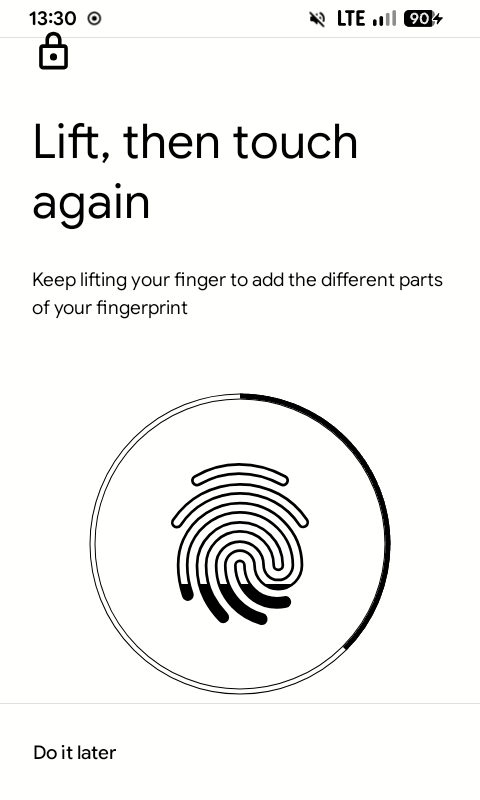
Add a fingerprint in Settings → Security & privacy → Device unlock. Touch to unlock anytime unlocks with a touch even while the screen is off, without pressing the button.
Fingerprint gestures
The sensor also works as a small trackpad and a button: swipe your thumb along it, tap it two or three times, or rest a finger on it. It works while the phone is unlocked; on the lock screen the sensor unlocks as usual.
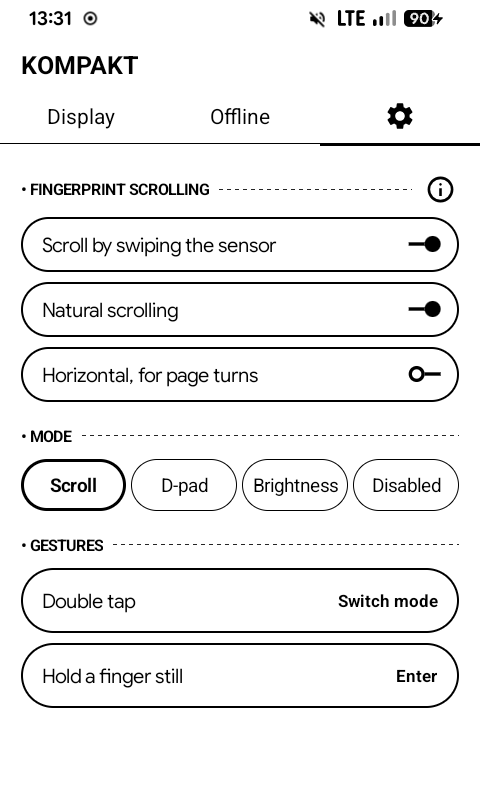
Kompakt app → Settings (the gear) → Fingerprint sensor, then turn on Use while unlocked.
Swipe modes
What a swipe does depends on the mode:
| Mode | A swipe |
|---|---|
| Scroll | scrolls the screen, like a thumb drag; a long swipe goes further |
| D-pad | presses the arrow keys, for apps you move through by focus |
| Brightness | turns the front light up or down |
| Keymapper | presses a key for the Key Mapper app: F13 for a swipe up, F14 for a swipe down |
| Nothing | does nothing; the taps and the hold still work |
Modes opens one sheet with all of them. Drag a mode by its ≡ handle to reorder, and switch each one on or off. Switch mode goes through the modes that are on, in that order. The first one on is the default, and the phone starts in it each time the screen wakes. Keymapper is off until you turn it on.
Natural scrolling and Sideways, for page turns set the direction for Scroll and D-pad.
Taps and hold
| Gesture | Out of the box |
|---|---|
| Double tap | Refresh the screen |
| Triple tap | Switch mode, with a message saying which |
| Hold (a finger still for about a second) | Enter: presses what the D-pad is on |
Each can instead do nothing, switch mode, press Enter, open recent apps, refresh the screen, open notifications or quick settings, toggle the warm or cold flashlight, switch between vertical and horizontal, or press a key for Key Mapper: double tap is the red key, triple tap the yellow key and hold the green key. A hold sent to Key Mapper stays pressed until you lift your finger, so Key Mapper can tell a long press.
With a triple tap set to anything but Nothing, a double tap waits half a second to see whether a third tap follows.